
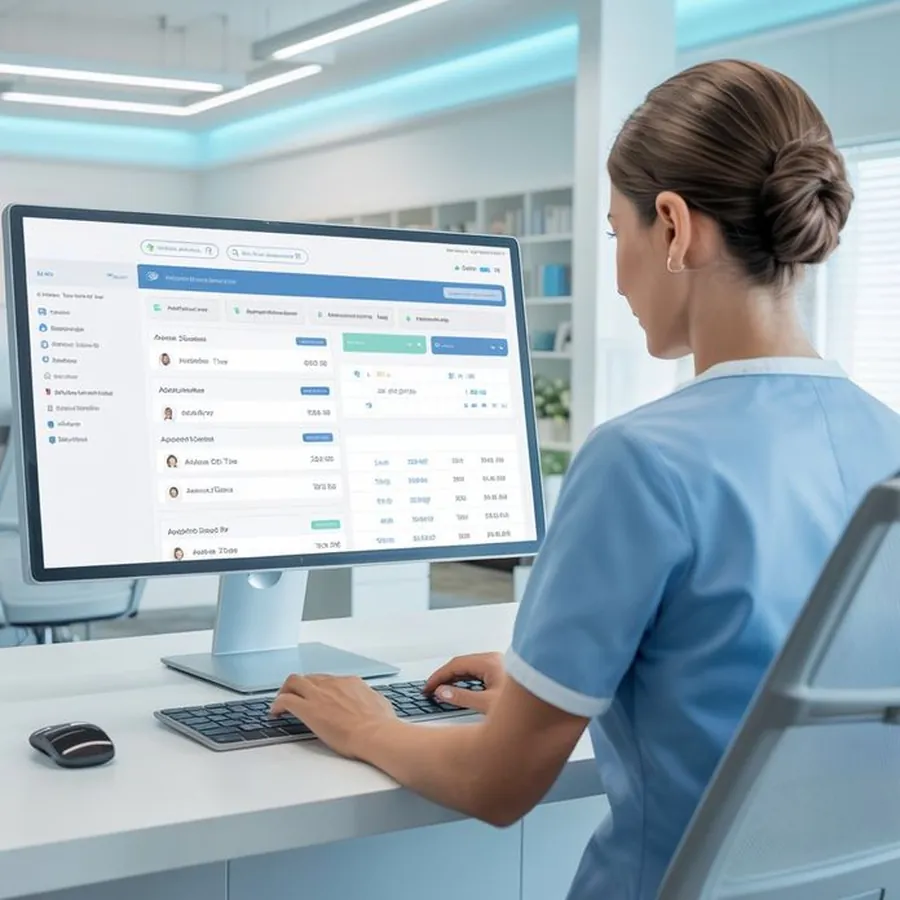
A hospital coordinator uses the RISA Hospital Console on a desktop screen
Hospital Console

Every incoming case. One screen.

The Hospital Console shows your emergency and transfer desks what is coming, where it is and what the patient needs, before the ambulance reaches the bay.

Works in a browserLive vehicles
  • 01One viewFor every incoming case
  • 02LiveVehicle location and status
  • 03RecordsEvery case on file
  • 04SecureRole based access
How the console is laid out

Three columns, one glance

Cases move from left to right as they get closer to your bay.

  1. 1IncomingNew cases appear with the care level and complaint.
  2. 2On the wayVehicles shown live, with expected arrival.
  3. 3ArrivingCases about to reach your bay are highlighted.
  4. 4Your deskEmergency and transfer staff work from one view.
Inside the console

What your desk sees

A sample view. Your console shows only your hospital's cases, to staff you name.

  • Incoming listEvery case on its way to you, in order of arrival.
  • Pre arrival detailCare level, vitals and notes before the doors open.
  • Live trackingFollow each vehicle from pickup to your bay.
  • Case recordsOpen, download or review any past case.

Interface shown is illustrative and uses sample cases. Screens may change before launch.

Built for every desk

One console, three teams

Emergency department

See what is coming and prepare the right bay and team.
Transfer desk

Request, plan and follow transfers in and out.

Quality and admin

Review records, times and reports for audits.

See it in action

A short tour of the console

A walk through of a live case on the Hospital Console, from the first alert to the record.

Hospital Console tourScreen recording of a sample case from alert to handover · 16:9 · 60 to 90 seconds
Access and security

Your patients, your staff, your control

You decide who can see what. Every view and change is logged.
A hospital staff member reviews cases on screen
Named loginsFor every staff member
Set by your hospital

Access controls

  • Named logins for each staff member
  • Roles for emergency, transfer and admin
  • Patient data limited to your cases
  • Every view and change on record
  • Access removed when staff leave
  • Designed for the DPDP Act 2023
Managed with your RISA partnership manager
Hospital partnerships · +91 9904 104 104

See the console with your team.

Book a short demo for your emergency, transfer and quality leads.

Questions and answers

Hospital Console, answered

In an emergency, call 1800 108 1800 at any hour. For anything else, write to contact@smartambulance.com.

Visit the help centre
Do we need to install anything?

No. The console works in a web browser.

Who can use the console?

Staff you name, with roles for emergency, transfer and admin teams.

Can we see cases going to other hospitals?

No. Your console shows only cases coming to your hospital and transfers you request.

Can the console connect to our hospital system?

Yes, through Integration Solutions. See the integration page for details.

Is there a mobile version?

The console works on tablets. A dedicated mobile view is being planned.

Emergency · Toll free · 24x7
1800 108 1800
Call now
Emergency · 24x71800 108 1800